

The Ultimate Guide to Implementing Neural Networks with TensorFlow
The Ultimate Guide to Implementing Neural Networks with TensorFlow
Neural networks are at the core of contemporary machine learning. With the rise of TensorFlow, implementing neural networks has become more accessible than ever. This blog post aims to provide a comprehensive walkthrough on how to build and train neural networks using TensorFlow.
Why TensorFlow?
TensorFlow is an open-source machine learning library developed by Google. It offers a flexible ecosystem for building various machine learning models, with a particular emphasis on neural networks. Its scalability and high-level APIs make it an ideal choice for both beginners and experts in the field.
Getting Started with TensorFlow
To start building neural networks with TensorFlow, you first need to install the library. You can easily install TensorFlow using pip:
pip install tensorflow
Once TensorFlow is installed, you can import it into your Python script or Jupyter notebook and begin creating your neural network architecture.
Building a Neural Network
Creating a neural network with TensorFlow involves defining the layers of the network, specifying the activation functions, and compiling the model. Let’s consider a simple example of building a neural network for image classification:
“`python
import tensorflow as tf
from tensorflow.keras import layers
model = tf.keras.Sequential([
layers.Flatten(input_shape=(28, 28)),
layers.Dense(128, activation=’relu’),
layers.Dense(10, activation=’softmax’)
])
model.compile(optimizer=’adam’,
loss=’sparse_categorical_crossentropy’,
metrics=[‘accuracy’])
“`
In this example, we have defined a neural network with two hidden layers. The first layer flattens the input images, the second layer consists of 128 neurons with a ReLU activation function, and the final layer has 10 neurons corresponding to the output classes with a softmax activation function.
Training the Neural Network
Once the model is defined, you can train it on a dataset using the fit function. Here’s how you can train the model on a sample dataset:
“`python
model.fit(x_train, y_train, epochs=10, validation_data=(x_test, y_test))
“`
Training a neural network involves forward and backward propagation, updating the weights based on the loss function, and optimizing the model using techniques like stochastic gradient descent or Adam optimization.
Optimizing Neural Networks
Improving the performance of neural networks often involves fine-tuning hyperparameters, dealing with overfitting, and experimenting with different architectures. Techniques like dropout, batch normalization, and early stopping can help enhance the neural network’s generalization ability.
Conclusion
Implementing neural networks with TensorFlow opens up a world of possibilities in machine learning. By following this comprehensive guide, you can build, train, and optimize neural networks for various tasks, from image classification to natural language processing. Dive into the realm of deep learning with TensorFlow and unleash the power of neural networks!



-
01
How do I choose the right speed for a toas bread packaging line to avoid crushing soft loaves?
22-06-2026 -
 02
02Packaging Machinery: Beyond Sealing, Driving an Efficient, Smart, and Sustainable Future
21-01-2026 -
 03
03Automatic Tray Loading and Packaging Equipment: Boost Efficiency to 160 Bags/Minute
21-11-2025 -
 04
04Automatic Soap Packaging Machine: Boost Productivity with 99% Qualification Rate
21-11-2025 -
 05
05A Deep Dive into Automatic Toast Processing and Packaging System
18-11-2025 -
06
The Future of Bakery Production: Automated Toast Processing and Packaging System
18-11-2025 -
 07
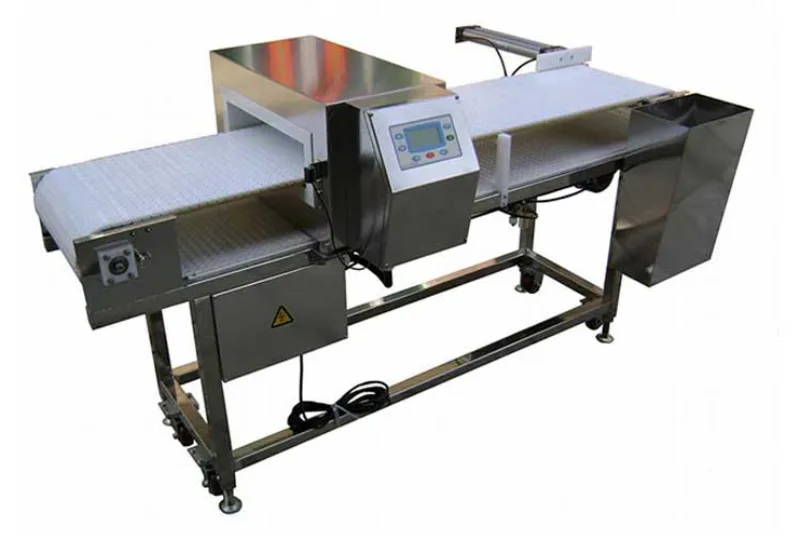
07Reliable Food Packaging Solutions with China Bread, Candy, and Biscuit Machines
11-10-2025 -
 08
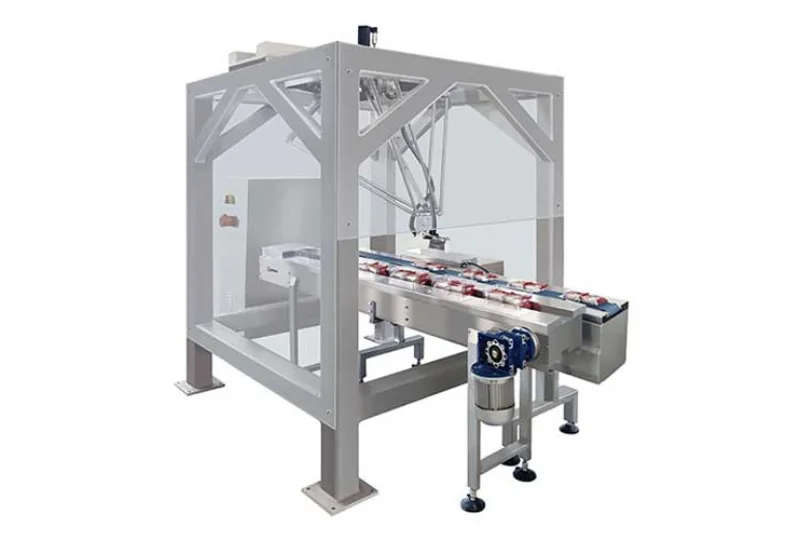
08High-Performance Automated Food Packaging Equipment for Modern Production
11-10-2025 -
09
Reliable Pillow Packing Machines for Efficient Packaging Operations
11-10-2025 -
 10
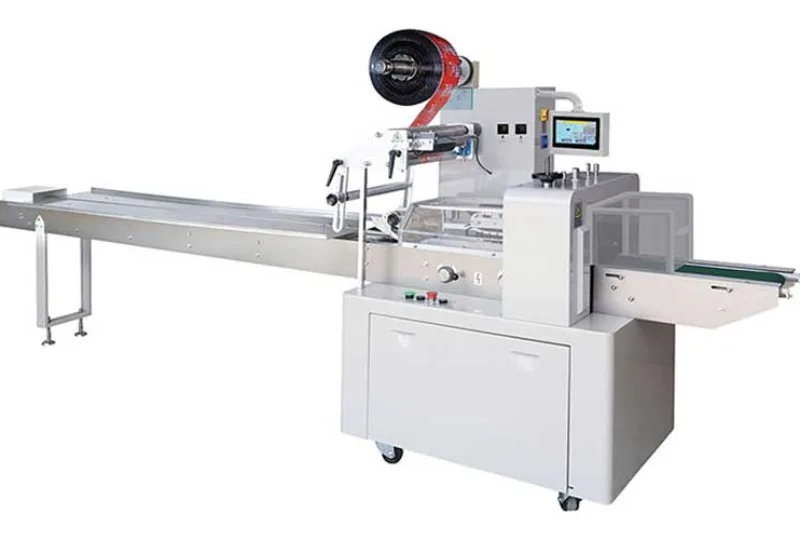
10Advanced Fully Automatic Packaging Solutions for Efficient Production
11-10-2025
